
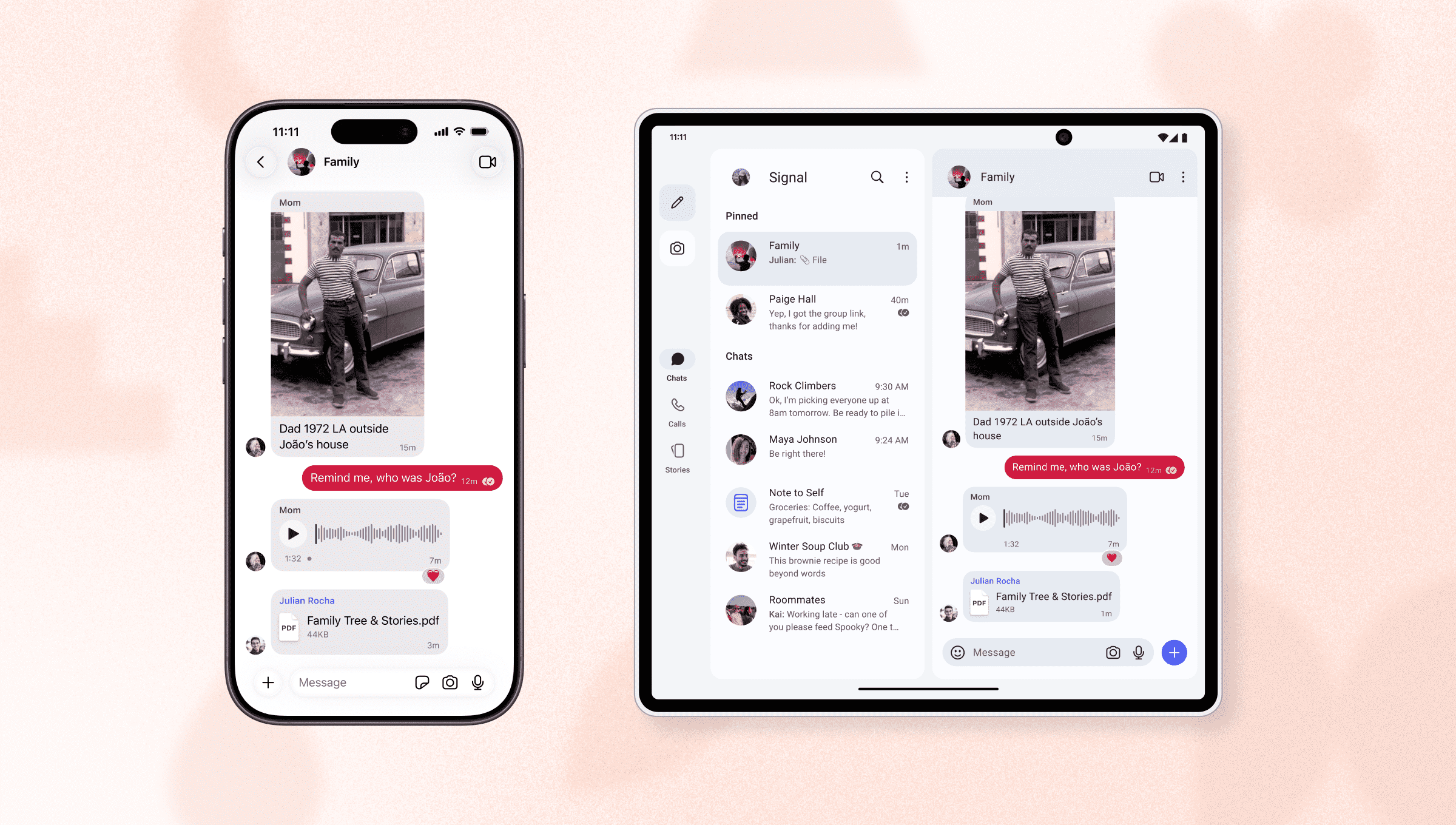
The latest update for Signal Android introduces comprehensive support for linked devices. Now you can easily link another Android phone or Android tablet to your Signal account. Thanks to significant interface improvements to better support large devices, your messages will stay in sync across every screen and look good on all of them too.
We’re also expanding linked device support on iOS so you can link an iPhone to your Signal account in addition to our ongoing support for iPads.
Signal Android v8.20 and Signal iOS v8.22 are rolling out now. Feel free to stop here if that’s all you needed to know, but there’s more info ahead if you want to kill some time while you wait for your freshly unboxed second (or third) device to finish charging.
Hold them and fold them
It has been almost fifteen years since the first commit appeared in what is now the Signal Android open source codebase. The app was called TextSecure, Android was still in its named-after-sweet-desserts era, Ice Cream Sandwich was so new that it had just barely started dripping onto phones, and the predominant UX paradigm on the platform exclusively revolved around single-screen activities.
Tapping something on one screen before moving to an entirely different screen worked quite well in Signal Android for a very long time, but the rising popularity of foldable phones and devices with unconventional aspect ratios started to reveal the limitations of that approach. Similar to watching a vertical video on a widescreen TV, a phone-width application that displays one thing at a time simply doesn’t work very well on a dual-width screen, which is why we have shipped several interface improvements for foldable devices over the past couple of years.
A few months ago, we began a concerted effort to finish transitioning the Android app to utilize more modern UX and navigation libraries throughout every layer. These efforts have also finally enabled support for Android tablets as well. After all, a tablet is basically an unfolded foldable that you aren’t supposed to ever fold.
Expanding support for additional linked devices on iOS shared some of the same challenges in reverse, but on a much smaller scale. Signal for iPad launched in November 2019, and its linked device setup screens were built from the beginning for large devices, so we revamped that interface to support phone-sized layouts while maintaining tablet-sized compatibility.
Sync or skim
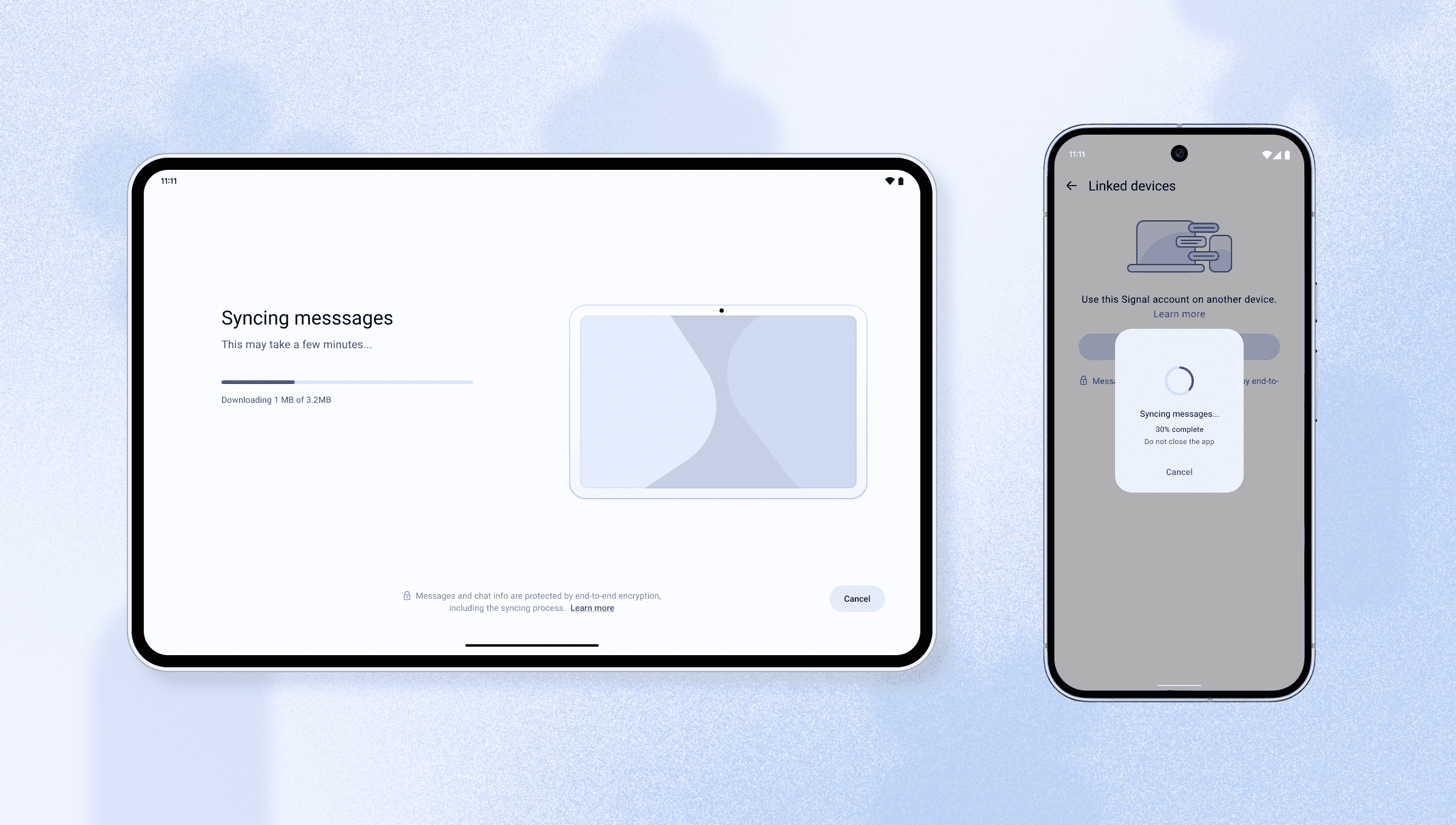
When you link a new phone or Android tablet to your Signal account, you can optionally transfer your complete message history along with the last 45 days of saved media. The process is fully end-to-end encrypted and built on the same “link-and-sync” foundation that we introduced last year for Desktop and iPad.
If you don’t want to transfer any messages, that’s OK too. Stay connected to the present but disconnected from the past, and set yourself up for a particularly mindful day at your favorite coffee shop where you can’t even doomscroll your own message history.
Finding the missing links
Signal Android is ready for its big-screen debut, but some elements – like the Settings screen, in-app camera, and complete support for keyboard shortcuts – are still a work in progress, and additional improvements are on the horizon. And while you can use Signal on a Chromebook with the latest update, we’ll be optimizing the interface for that form factor more comprehensively soon.
We’d like to thank everyone who helped us test these features during the public beta period.
Look for Signal iOS v8.22 and Signal Android v8.20 in the App/Play Store near you, and remember that the only links that truly count are the relationships you share with the people that matter to you. But we’ve got your back if having two phones, a tablet, and a laptop linked to your Signal account helps you stay connected a little bit better too.