
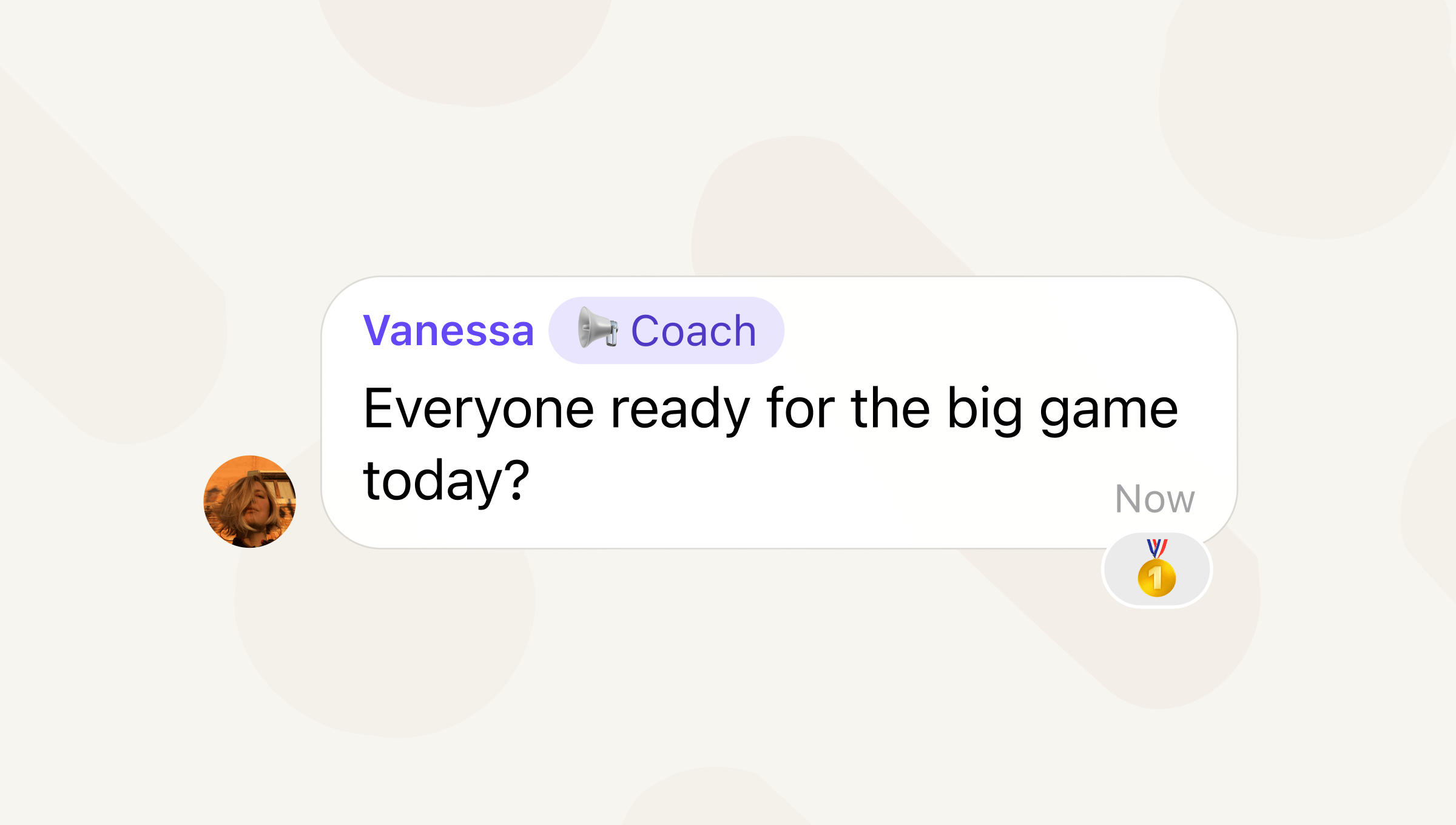
We all take on different roles in relation to our friends, neighbors, family members, and colleagues. Keep those different roles clear in your many Signal group chats by using group member labels, now available in the latest versions of Signal for Android, Desktop, and iOS.
A group member label appears next to a profile name in a group chat. It can be used to make responsibilities clear in a chat or share an inside joke that only the chat would understand. For example, a soccer team’s group chat might use group member labels so that everyone knows who the coach is, who’s playing goalie, or who promises to show up for practice on time.
Group member labels are end-to-end encrypted and only visible in the groups that you create them for. So, you can identify yourself as the coach for your soccer team without having to coach your book club or family chat.
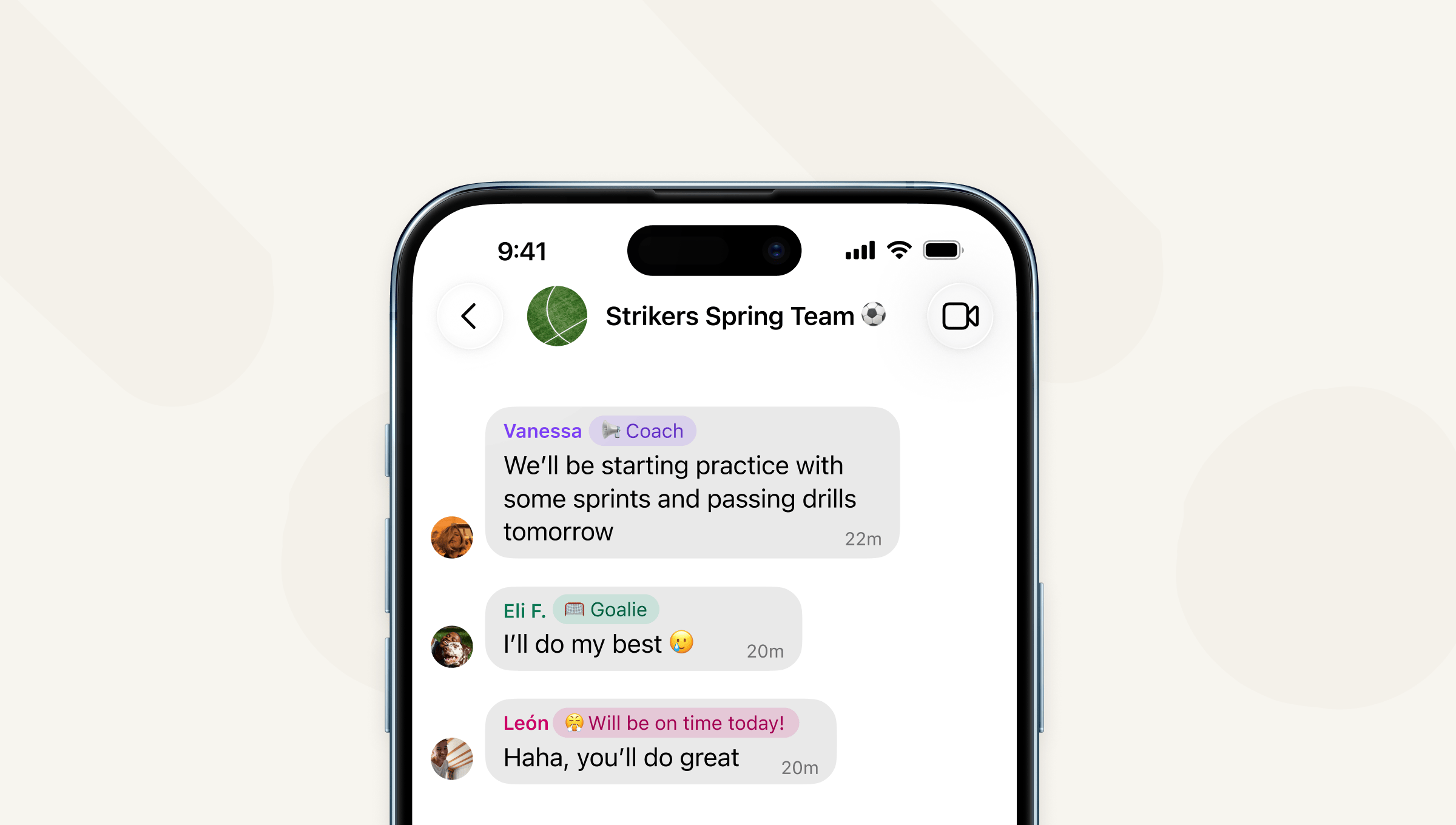
Unlike being a group admin, creating a group member label does not give you any special abilities in that group chat, it’s purely a way to describe yourself to the other members of the chat. And you can create different member labels for all of your different group chats if you like.
To create a group member label, tap on the group icon to pull up the group details page and tap “Member label.”
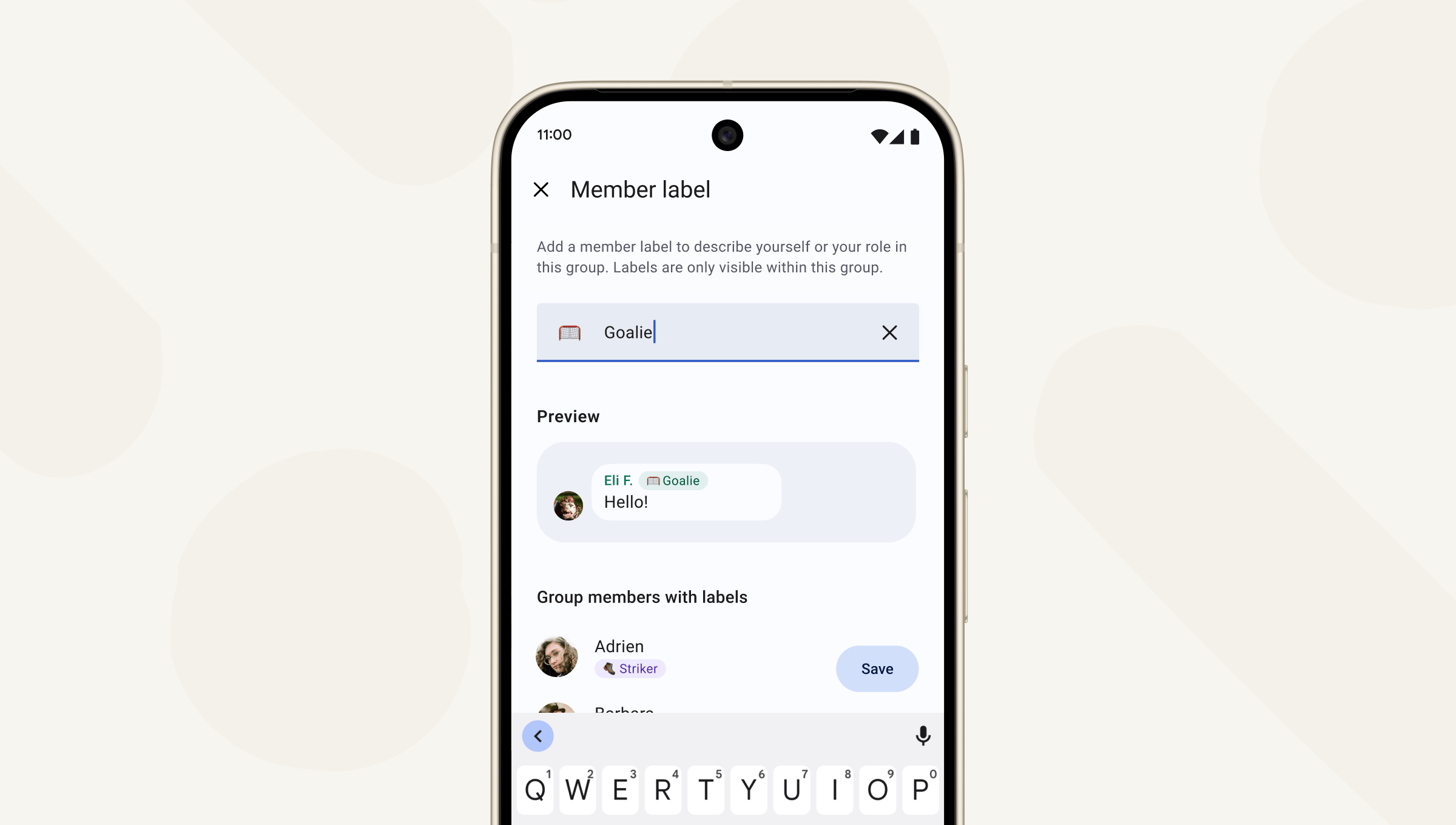
By default, all members of a group can create a label for themselves. But admins can make group member labels available only for admins by going to Group Settings > Permissions. If admins toggle off group member label permissions for non-admins, any non-admin member labels will be removed. People can only create member labels for themselves, not anyone else.
As Signal grows, people will use it for more purposes and in more contexts. Group member labels make it easier to see the different roles you play in the varied group chats you’re part of in Signal.
Try out group member labels now, available in the latest version of Signal for Android, Desktop, and iOS and keep your app updated because we’ve got more features for groups coming in the near future.